


On the platform, your valve shows as open. In the field, no water arrives. What’s going on?
That gap between what you command and what actually happens is where water, time, and money slip away unnoticed until it’s too late: a burst fitting, a pump running dry, a sector that hasn’t been watered in days. Digital inputs help you close that gap.
This article explains what they are, which types we use at Spherag, and what they let you do, with concrete examples from real installations.
What is a digital input
A digital input is the signal from a device that reports a change of state. It works with only two possible values: open or closed, yes or no. It doesn’t measure quantities the way a pressure or humidity sensor does; it confirms a fact: there is water or there isn’t, a set limit has been crossed or not, someone has opened the enclosure or not.
It works like a light switch, or like the sensor that warns you a door has been left open: it doesn’t measure anything, it just tells you what position something is in. In an irrigation system, that means knowing whether a valve is open or closed, whether water is flowing or not, or whether someone has entered the enclosure.
The point is what it adds: a way to check how your system is really behaving. The irrigation command says what should happen. The digital input confirms—or contradicts—what is happening.
That’s why digital inputs are linked to elements such as valves, mixers, fertilizer injectors, and pumps. They can be synced to check that command and reality match. If a valve shows as open, a digital input connected to a flow detector should confirm that water is passing. If it doesn’t, something is off—and you’ll want to know as soon as possible.
Their main value is keeping your system safe and under control: you move from controlling what should happen to confirming that it really is happening.
Working as a team: digital inputs, Atlas devices, and the Spherag platform
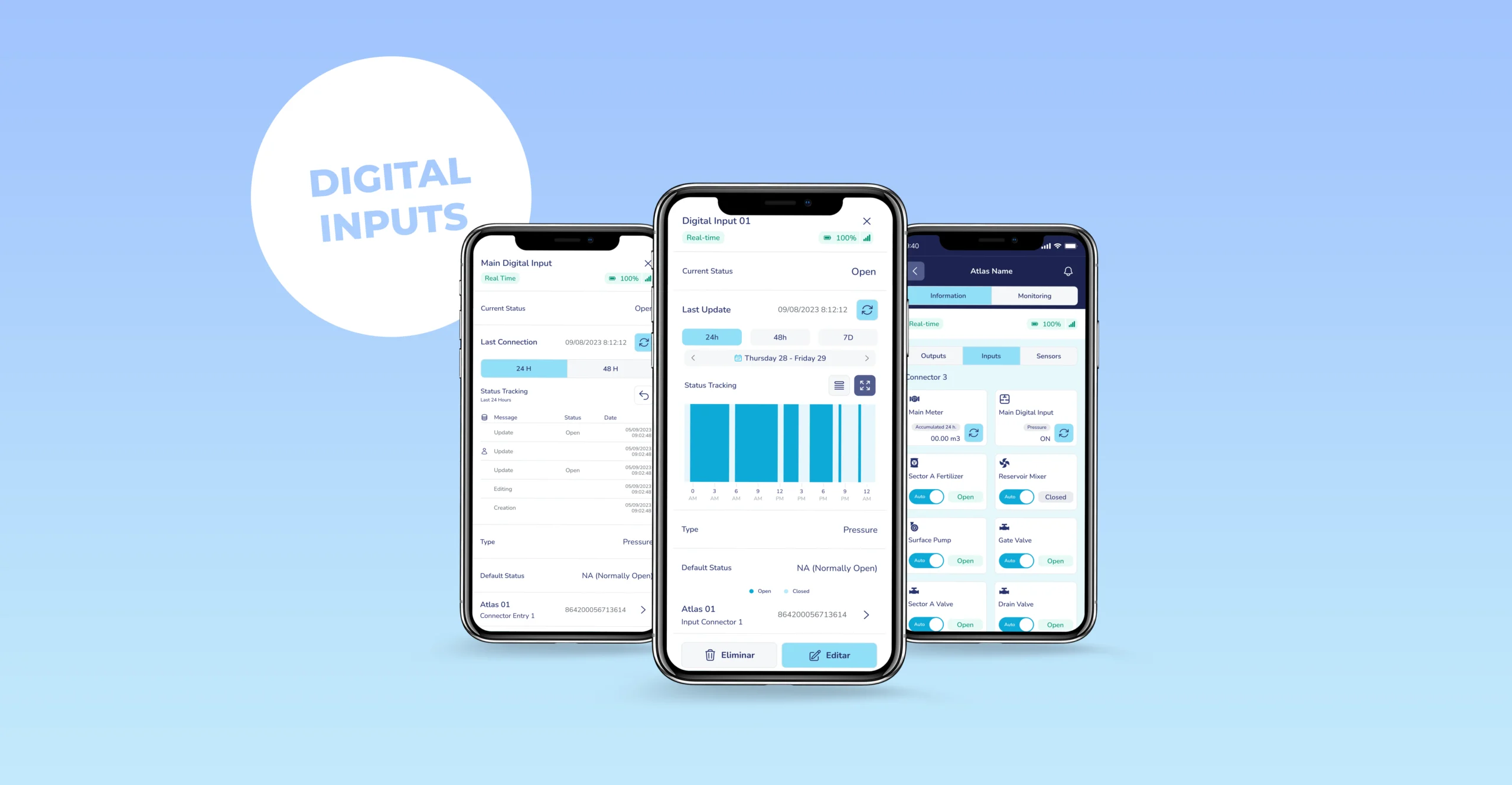
Atlas X IoT devices act as the link between the field and the platform. They collect data from sensors, meters, and digital inputs and send it to Spherag. There it’s combined with weather and crop data, the forecast, and satellite imagery (the NDVI and NDWI indices, which show crop vigor and water content), and presented as easy-to-read charts, maps, and reports. At the same time, Atlas receives the commands to act on valves, pumps, and fertigation units. This keeps field and platform connected at all times, with information flowing both ways.
In this setup, the combination of sensors and digital inputs is what lets you monitor your irrigation system in real time. On that basis, you set alerts with the values and limits you choose, and receive notifications by SMS or email for low pressure, overpressure, abnormal flow, leaks, or other anomalies.
Types of digital input and what each one is for
Pressure switch: monitors network pressure
The pressure switch alerts you when network pressure moves away from the level you’ve set. With that data you can catch three different situations early and protect your pumps and pipes:
- Overpressure. It can signal water hammer (a sudden pressure spike, like the “whip” a pipe gives when you shut a tap abruptly), which can burst pipes, joints, and fittings.
- Pressure drop. A sudden fall usually points to a break, a leak, or a pump failure.
- No pressure. It means water isn’t reaching where it should.
The digital input lets you catch it in time, not once the puddle or the bill has already shown up.
Flow switch: confirms whether water is moving
The flow switch answers a question that’s as simple as it is important: is water passing through this pipe right now? Yes or no. That answer lets you spot leaks, blockages, low flow, supply interruptions, or the absence of flow with an open valve—instantly.
Having that data in real time shortens your reaction time when something goes wrong. If a valve is open but the flow switch detects no water passing, you’ve located the problem before a sector goes days without water. And the other way around: if there’s flow when there shouldn’t be, there’s a leak or an unplanned opening.
In an irrigation community, where a fault at the head affects many plots at once, that early confirmation lets you tackle the problem before it reaches them all.
Intrusion detection: alerts you to access and tampering
Much of your irrigation equipment sits out in the open, in remote plots with no surveillance. Equipment theft or tampering costs more than the equipment itself: you have to replace it, service is interrupted, and the crop can suffer if irrigation stops at the worst moment.
The intrusion sensor detects unauthorized access or tampering with the installation—for example, opening an enclosure or a valve box—and changes state. When it does, the platform generates an alert so you can act fast.
What you can do with a digital input
The digital input detects a change, Atlas picks it up and sends it, but what matters happens on the Spherag platform.
View the state and its history
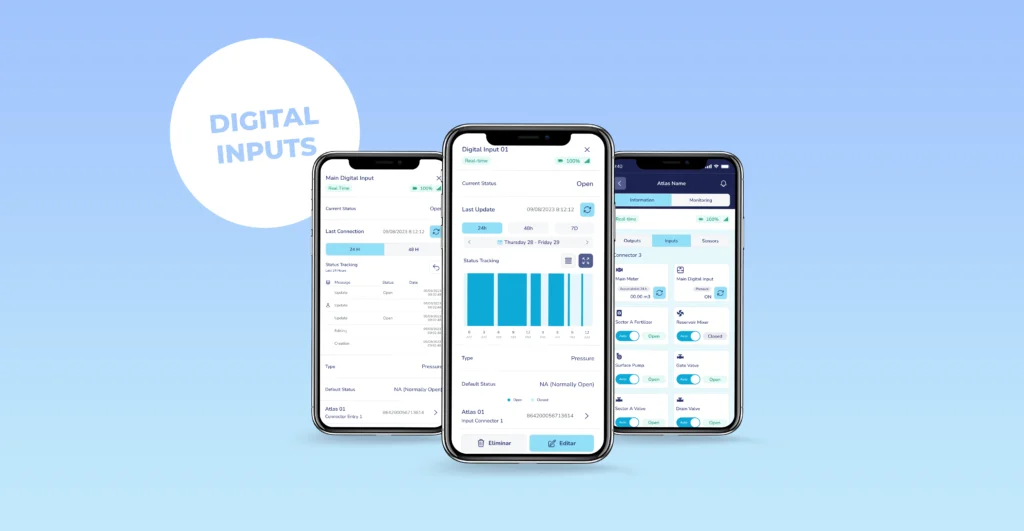
From the platform you check the current state of each digital input and its state history. You don’t just know how your system is right now: you can review when it changed, how many times, and at what moment.
Set alerts based on digital inputs
You can schedule notifications so the digital input tells you when something relevant happens. There are two ways to set them up:
State-change alert. Notifies you when the input moves from its normal state—the one you defined when configuring it—to the state you’ve flagged as an alert. For example: the enclosure shows as closed and someone opens it.
State-change alert with actuator supervision. It goes a step further: it compares the state of the digital input with that of the element carrying out the command (a valve, a pump) to detect when the command and reality don’t match. It’s especially useful in two cases:
- An open valve with no physical confirmation: the platform shows it as open, but the digital input detects no water passing.
- Activity detected with no opening command: there’s flow, pressure, or movement when nothing should be running.
These mismatches are what reveal a breakdown, a leak, or tampering that would otherwise go unnoticed.
Add logic to irrigation with conditions
A digital input doesn’t just inform—it can also govern irrigation. A condition is a rule for your irrigation: it can start on its own, or stop on its own, when a digital input changes state. The most useful case in practice is stopping, because it protects your system:
- Stop irrigation if the pressure switch detects overpressure or a pressure drop, to protect pumps and pipes.
- Stop irrigation if the flow switch stops detecting flow, so the pump doesn’t keep running dry.
And all of it tied to the sectors you choose, so the logic applies where it makes sense and not across the whole system alike.
A practical example:
Picture a sector with a valve controlled by Atlas and a flow switch connected as a digital input.
- The platform opens the valve according to the irrigation program.
- The flow switch should confirm that water is passing.
- It doesn’t. The digital input stays in a “no flow” state.
- The actuator-supervision alert fires: valve open, no physical confirmation.
- You get the alert on your phone and find the pump has stopped—instead of discovering it three days later with a stressed crop.
Digital inputs don’t predict the future or replace your judgment: they tell you what’s really happening, the moment it happens, so you decide.
Frequently asked questions
A measurement sensor gives a figure with many possible values—say, 2.3 bar or 18% humidity. A digital input gives only one of two states: open/closed or active/inactive. It’s for confirming facts, not measuring quantities
It alerts you when network pressure rises above or falls below the level you’ve set, which lets you detect overpressure, pressure drops, or no pressure, and protect pumps, pipes, and other components.
It confirms in real time whether water is flowing through a pipe. It’s the most direct way to verify that an open valve is actually letting water through.
Yes. With a condition, you can make irrigation stop on its own when a digital input changes state—for example, cutting irrigation if the flow switch stops detecting flow, so you don’t strain the pump.
By linking a digital input (for example, a flow switch) to the valve and turning on the actuator-supervision alert, which warns you when the commanded state and the real state don’t match.